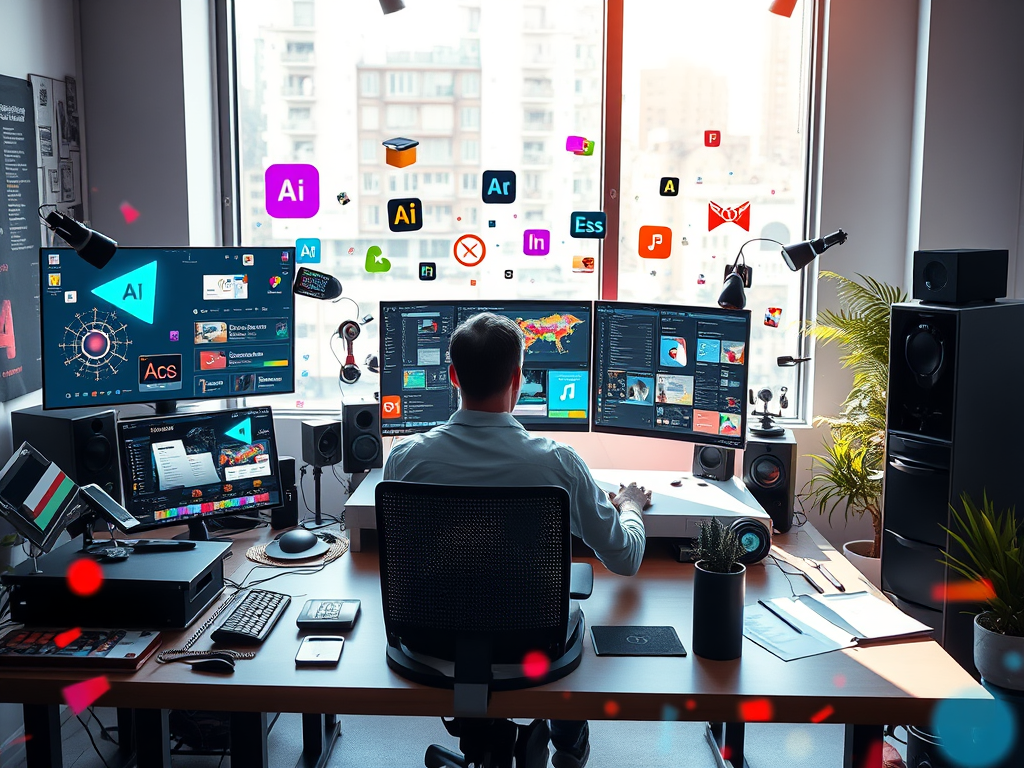
In the world of visual content, speed and creativity are everything. Whether you’re a professional graphic designer, content creator, or a solo entrepreneur, delivering high-quality designs quickly is essential. That’s where AI tools for graphic designers come into play.
AI is not here to replace creativity — it’s here to enhance it. Today’s best AI design tools can help you generate assets, edit images, automate workflows, and even create entire branding kits in minutes. In this post, we’ll explore the top AI tools for graphic designers and creators in 2025, and how you can use them to work smarter, faster, and more creatively.
Why Use AI as a Designer or Creator?
AI is revolutionizing design workflows, offering tools that allow creators to:
- Generate design ideas instantly
- Speed up tedious editing tasks
- Enhance image quality with one click
- Create unique visuals from text prompts
- Stay consistent across design projects
Whether you’re designing social media graphics, logos, marketing collateral, or even NFTs, AI tools can boost productivity while freeing up more time for actual creative thinking.
Best AI Tools for Graphic Designers & Creators in 2025
Below is a curated list of the most powerful and popular AI tools in the design world right now — categorized by function.
🎨 1. Adobe Firefly
Best For: Generating creative assets, text effects, background replacement
Adobe Firefly is Adobe’s dedicated AI tool for designers, integrated seamlessly into Photoshop and Illustrator.
Features:
- Text-to-image generation
- Generative fill for removing or replacing objects
- AI-powered text effects and vector recoloring
Why Designers Love It: It blends seamlessly into Adobe’s ecosystem and boosts workflows without changing tools.
🖌️ 2. Canva Magic Studio (AI Suite)
Best For: Fast content creation, social media graphics, team collaboration
Canva’s AI suite, “Magic Studio,” is a go-to for solo creators and teams.
Features:
- Magic Design (auto-generates templates)
- Magic Edit (remove, replace, or enhance objects)
- AI text-to-image and background removal
- AI copywriting for headlines and captions
Bonus: Great for non-designers or marketers who need fast visuals.
🧠 3. Midjourney
Best For: Generating artistic concepts, moodboards, and visual storytelling
Midjourney is an AI image-generation tool known for its surreal, high-quality aesthetic.
Use Cases:
- Concept art and mood boards
- Visual storytelling for creative campaigns
- Product mockups and fantasy environments
Just enter a prompt, and Midjourney generates a variety of visual outputs based on your vision.
📷 4. Runway ML
Best For: AI video editing, background removal, inpainting
Runway is the powerhouse for creators working with video and motion graphics.
Features:
- AI background removal in videos
- Inpainting (fix or modify frames)
- Text-to-video (coming soon)
- Object tracking and style transfer
Ideal For: Content creators, YouTubers, or motion designers looking to edit videos fast.
🪄 5. Looka
Best For: Logo design, branding kits, brand identity
Need a full brand package in minutes? Looka uses AI to generate logos and visual brand kits based on a few inputs.
Features:
- Instant logo generation
- Business card mockups
- Brand style guide with fonts, colors, and templates
Perfect for startups, freelancers, or clients who need a quick visual identity.
✏️ 6. Khroma
Best For: AI-generated color palettes
Khroma is a color tool powered by AI and trained on your color preferences.
Why It’s Great:
- Recommends palettes based on aesthetic
- Useful for web, print, or brand design
- Saves time deciding color combinations
It learns your style and offers palettes tailored to your taste — a massive time-saver for visual consistency.
📐 7. Designs.ai
Best For: End-to-end design automation
Designs.ai is an all-in-one AI platform for visual content creation.
Key Features:
- Logo maker
- Video creation
- Voiceover generation
- Design automation across formats
It’s great for agencies, solopreneurs, or creators juggling multiple types of content.
How to Use AI Effectively in Your Design Workflow
Here are a few tips to get the most out of AI design tools:
✅ Start with a Concept
Use AI tools like Midjourney or Firefly to brainstorm ideas quickly. Generate 5-10 visual concepts in minutes to jumpstart your creative process.
✅ Customize, Don’t Copy
AI outputs are starting points. Add your own tweaks, brand elements, or manual touches to maintain originality.
✅ Speed Up Repetitive Tasks
Use tools like Canva or Adobe Firefly to automate background removal, object replacement, or resizing for different platforms.
✅ Build a Personal AI Toolkit
Combine multiple tools for different stages: Midjourney for concepts, Firefly for polish, and Canva for final exports.
Real-World Success Stories
- 🎨 A freelance designer used Firefly to reduce project turnaround time by 40%, impressing clients with faster mockups.
- 🛍️ An eCommerce brand created product mockups and ads using Midjourney + Canva, saving $1,000/month on design work.
- 📹 A YouTuber uses Runway ML to auto-edit video intros and remove backgrounds in minutes.
Final Thoughts
AI is not here to replace designers — it’s here to amplify your creativity and productivity. By integrating the best AI tools into your design workflow, you can ideate faster, produce polished work at scale, and offer more value to clients or audiences.
Whether you’re freelancing, running a creative agency, or building content for your brand, these tools can save hours weekly and spark new creative ideas.
Leave a Reply